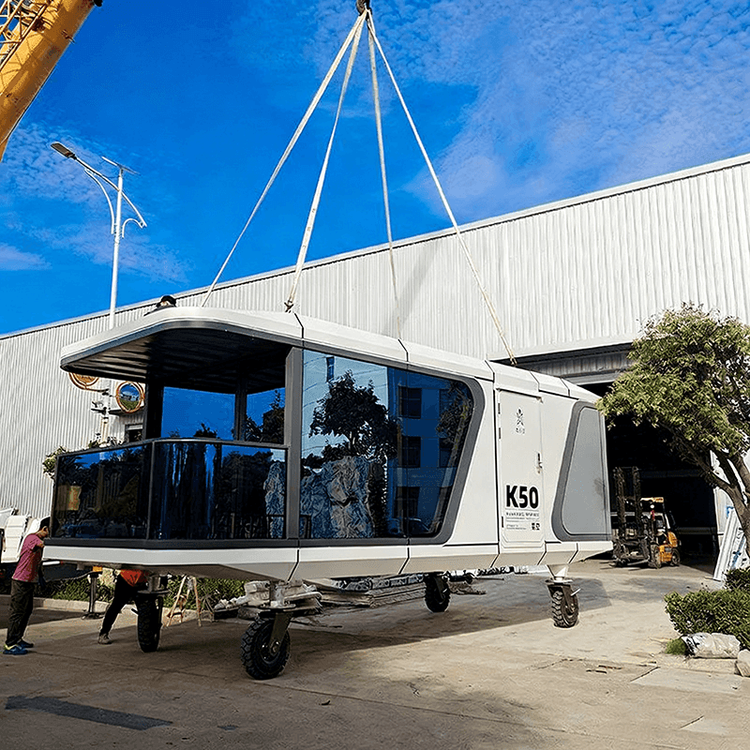
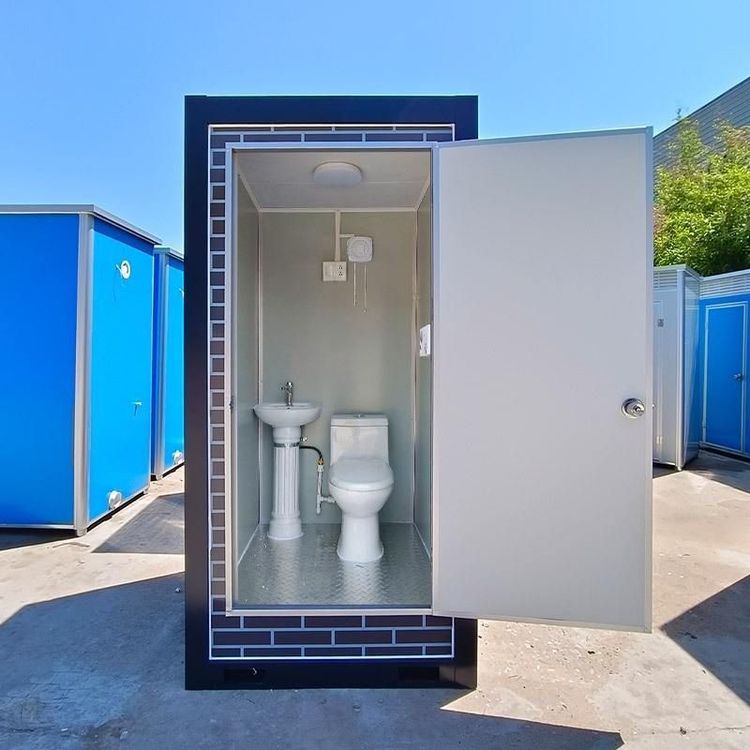
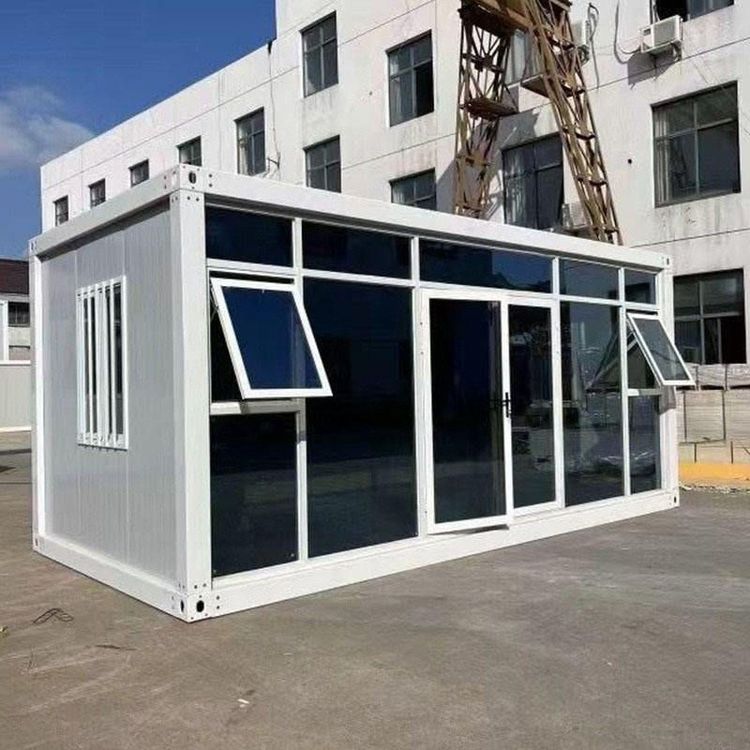
Mobile Toilet Modeling Illustration
Currently, there is no complete illustration directly targeting the overall modeling of mobile toilets, but the design can be completed by modeling individual components and then combining them. The following steps can be referred to for details:
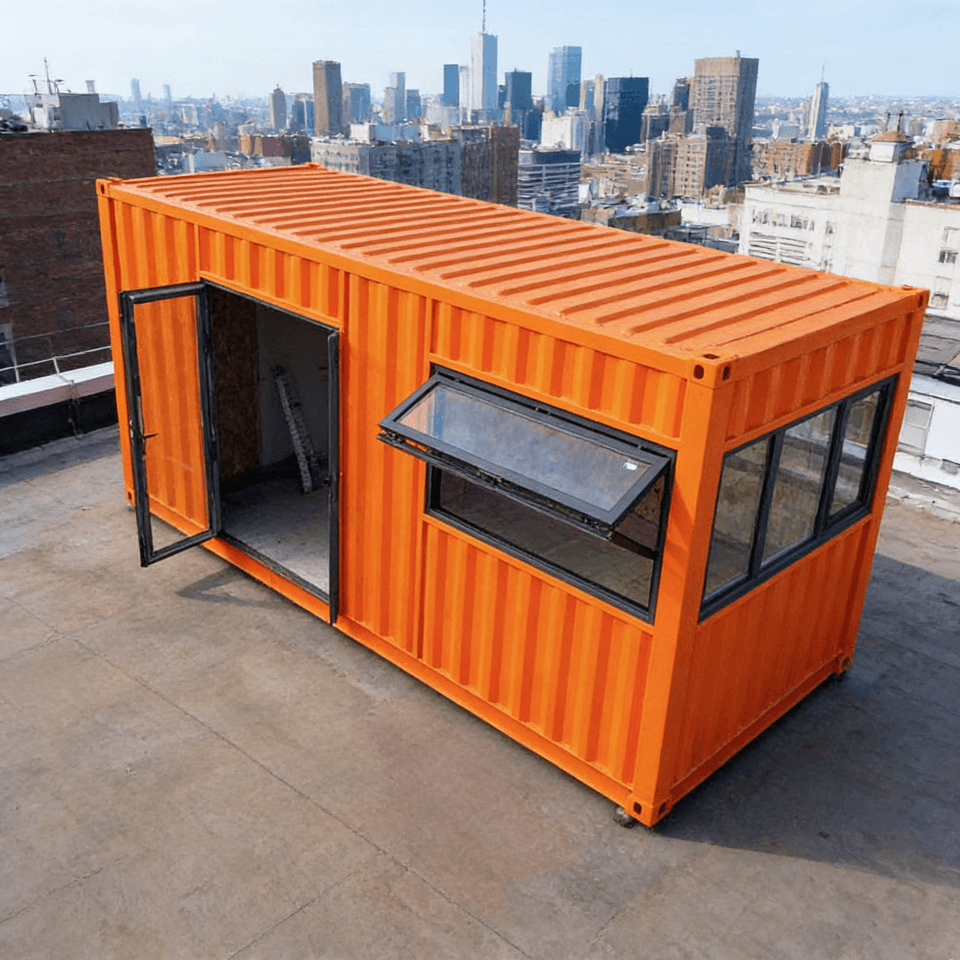
The overall modeling of a mobile toilet needs to incorporate its structural components, including the frame, walls, sanitary fixtures (such as squat toilets and water tanks), and the roof. Due to the lack of an overall illustration, the modeling process of components like squat toilets can be referred to. Design each component step by step and then assemble them.
1. Frame Modeling The frame is the supporting structure of a mobile toilet, usually made of metal or engineering plastics. When modeling, determine the overall dimensions (such as length, width, and height). Use software like UG/NX to create a basic outline through the 'Sketch Drawing' function, and then generate a three-dimensional frame using commands like 'Extrude' and 'Revolve'. Pay attention to reserving installation positions for walls, doors, and windows, and ensure that the structural strength meets the load-bearing requirements.
2. Wall and Roof Modeling The walls can be made of panels or composite materials. When modeling, create a plane according to the frame dimensions and generate multiple walls using commands like 'Offset' and 'Pattern'. The roof needs to consider the drainage slope. Generate an inclined surface using the 'Sweep' or 'Surface Modeling' function and perform a Boolean operation to merge it with the top of the frame. If transparent materials (such as skylights) are required, model them separately and then combine them using the 'Assembly' function.
3. Sanitary Fixture Modeling The squat toilet is a core component. Refer to the existing modeling steps:
- Sketch Design: Draw the top-view outline of the squat toilet, including details such as the toilet bowl and anti-slip patterns.
- Three-Dimensional Generation: Create the depth of the toilet bowl using the 'Extrude' command and optimize the edges using 'Chamfer' or 'Fillet'.
- Detail Addition: Model structures such as the flushing port and drainage pipe, ensuring that the dimensions match the connection part with the water tank. The water tank modeling needs to consider the volume and the position of the water inlet. Generate a hollow structure using the 'Shell' command and add accessories such as valves and pipes.
4. Assembly and Optimization After completing the modeling of each component, use the 'Assembly' function to combine them and check for interference issues (such as the spacing between walls and sanitary fixtures, and the opening space for doors and windows). Add materials (such as metal frames and plastic walls) using the 'Rendering' function and adjust the lighting effects to simulate real-world scenarios. The final model can be used for 3D printing, engineering analysis, or design presentations.
Alternative Solution Reference If you lack experience with professional software, you can refer to the case of using LEGO MOC drawings to restore a portable toilet. Simplify the modeling process through modular design: divide the mobile toilet into basic modules (such as frame units, wall panels, and sanitary fixture components), model them separately, and then assemble them. This is suitable for rapid prototyping or educational demonstrations.