Illustrated Steps for Mobile Toilet Modeling
The following illustrated steps can be referred to for mobile toilet modeling, combined with UG/NX software operations and relevant drawing information:

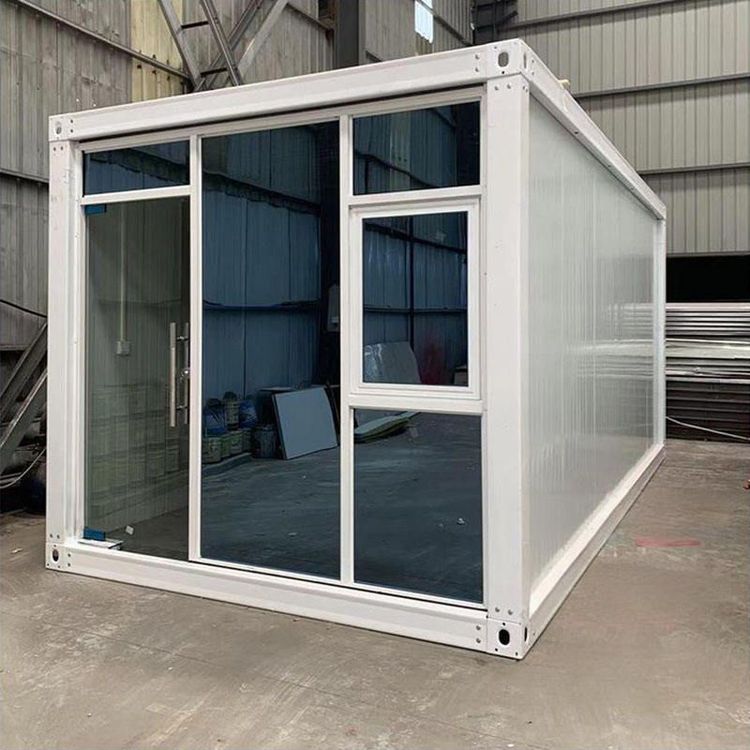
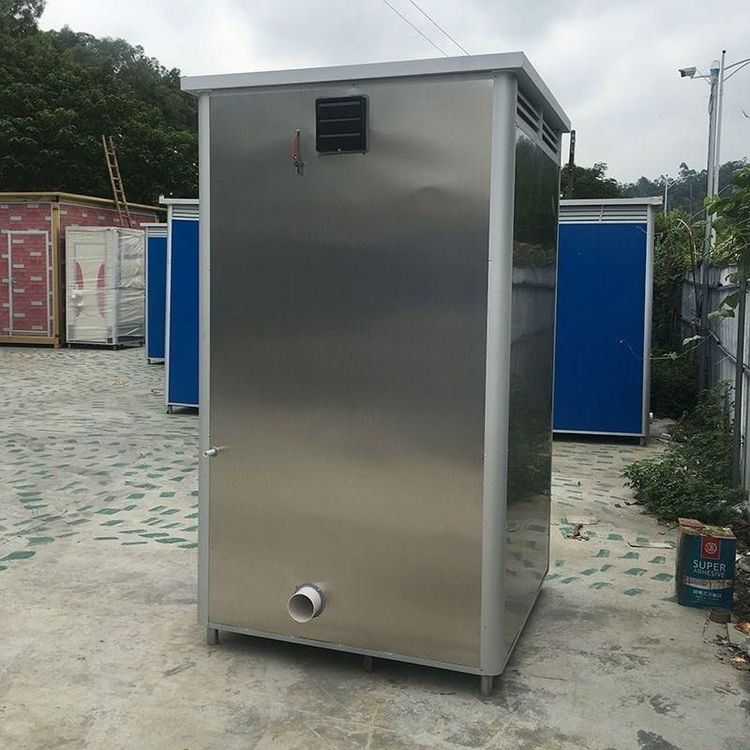
I. Preliminary Preparation and Reference Drawing Analysis First, obtain the drawings of a two-stall mobile toilet or a trailer-type mobile toilet (both in Solidworks 2016 version, step format). Open the drawings using Solidworks software and observe the overall structure, size proportions, and positional relationships of various components of the mobile toilet from multiple perspectives such as isometric views, front views, left views, and perspective views. Clarify the general direction and key features of the modeling, such as the shape of the toilet compartments, the positions of doors and windows, and the layout of internal facilities like squat toilets.
II. Basic Modeling Operations (Taking UG/NX as an Example)
- Overall Framework Construction: According to the reference drawings, determine the reference coordinate system of the mobile toilet in UG/NX. Use the 'Extrude' command to create the main outline of the toilet compartments, such as a cuboid-shaped shell, and set the extrusion length, width, and height parameters according to the drawing dimensions.
- Internal Facility Modeling:
- Squat Toilet Modeling: Refer to the process of drawing a squat toilet in UG/NX. First, open UG and draw a sketch. Create a new datum plane at an appropriate distance (e.g., 100mm) below the sketch and project the middle sketch onto it. Continue to draw straight lines on the datum plane and create a new sketch to make arcs connecting the straight lines and the previous sketch. After completion, use 'Through Curve Mesh' to create a surface, make a bounded plane, and then stitch it together and thicken it into a solid. Subsequently, perform operations such as drawing a sketch on the XY plane and extruding for union, drawing a sketch on the extruded side to create pipes, filleting, and patterning to complete the squat toilet model.
- Other Facilities: For doors and windows, use the 'Extrude' command to create door frames and window frames, and then perform a subtract operation with the main frame using 'Boolean Operations' to obtain door and window openings. For internal facilities such as water tanks, model them according to their shapes and sizes using commands such as drawing sketches, extruding, and rotating.
III. Detail Handling and Optimization
- Filleting: Perform filleting operations on the edges of various components of the mobile toilet model to make the model more in line with the appearance of actual products and enhance the sense of realism. Use the 'Edge Blend' command and set an appropriate fillet radius.
- Thread and Pipe Handling: For pipes and threads at positions such as water inlets, refer to the method in squat toilet modeling. First, draw a sketch, and then perform operations such as extruding and rotating to create pipes. Then, use a dedicated thread command or draw a helix to create thread features.
- Model Inspection and Correction: After completing the preliminary modeling, inspect the model from different perspectives for completeness, dimensional accuracy, and the correctness of the assembly relationships between various components. Promptly correct and adjust any problems found.