How to Shoot Videos in Mobile Toilets
When shooting videos in mobile toilets, you can refer to the following tips and adjust flexibly based on the shooting ideas for smart toilets:

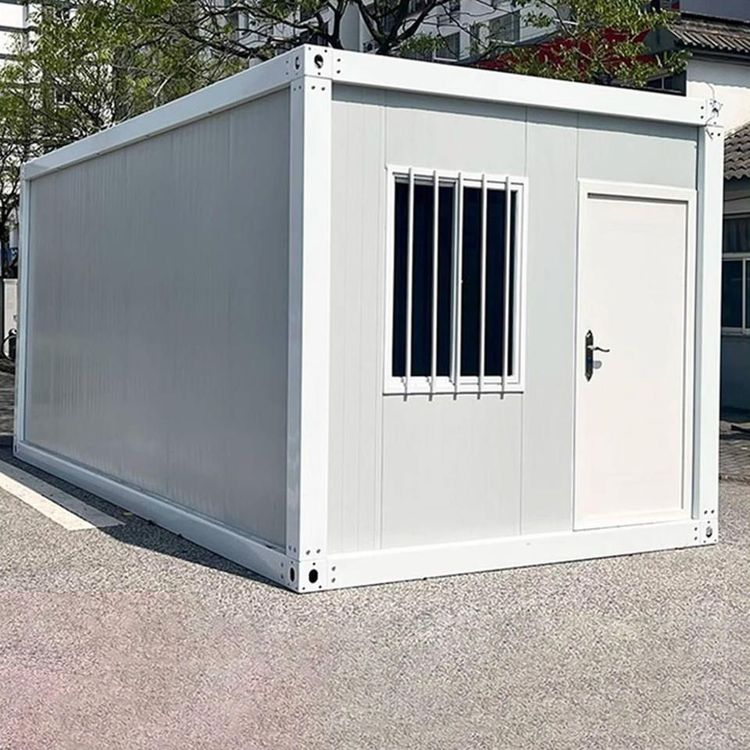
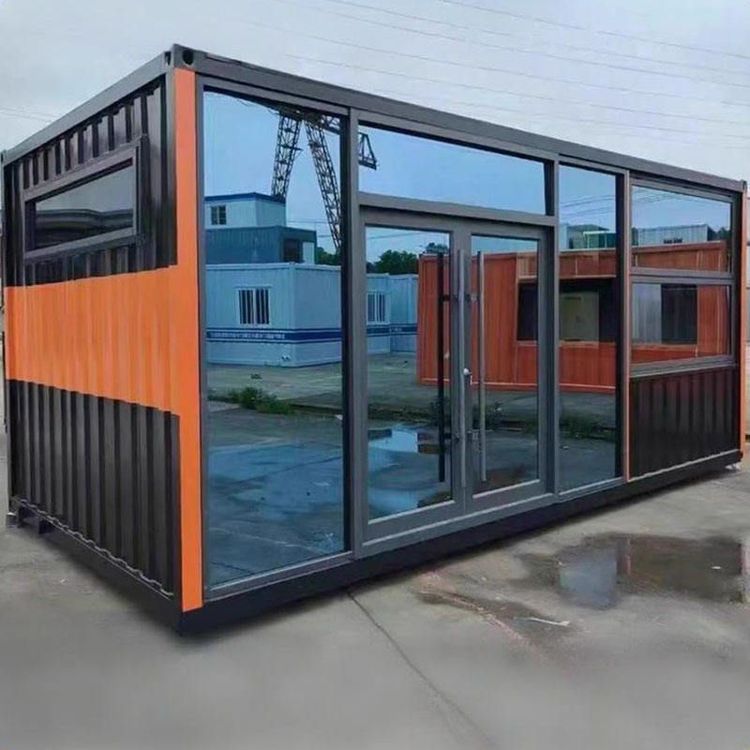
1. Lens Selection and Basic Composition Mobile toilets usually have limited space. It is recommended to use a wide-angle lens (such as the ultra-wide-angle mode on a mobile phone) first to expand the field of view and avoid a cramped picture. Keep the lens level during shooting to prevent visual discomfort caused by tilting. If you need to highlight details (such as door locks and vents), you can switch to the macro mode or manual focus. For basic composition, you can use the "rule of thirds" and place the main subject (such as the toilet's exterior and internal facilities) at the intersection points of the picture to enhance visual balance.
2. Dynamic Lens Applications
- Pull-back Shot: Slowly move backward from inside the mobile toilet to show the overall environment (such as the surrounding greenery and parking location), which is suitable for opening or transition shots.
- Orbit Shot: With the toilet as the center, hold the device and rotate horizontally to capture a 360° panorama. Keep the rotation speed uniform to avoid picture jitter.
- Obstruction Pull Shot: If there are objects such as trees or fences next to the toilet, first shoot a partial view of the obstruction, and then pan the lens to the right or left to gradually reveal the main body of the toilet, adding a sense of layering to the picture.
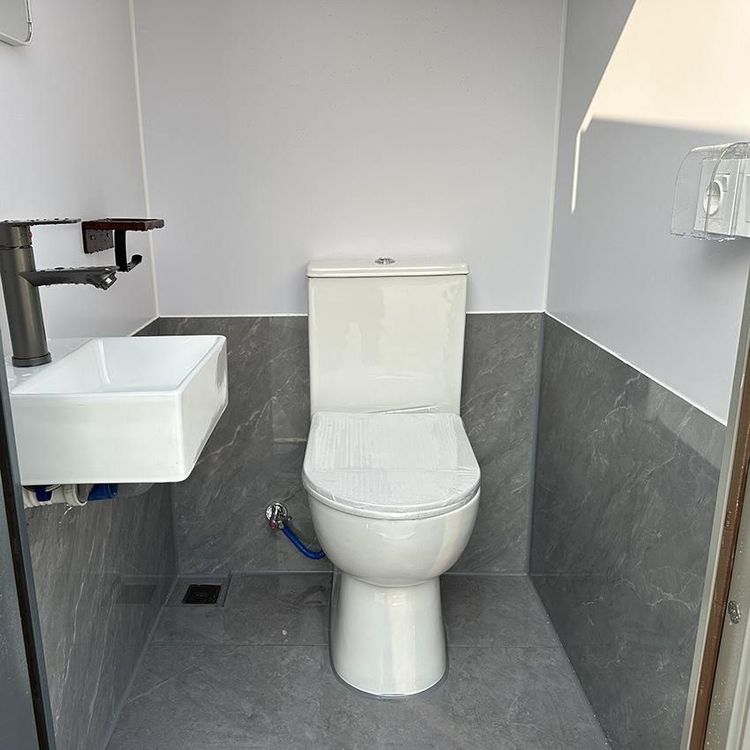
- 45° Angle Rotation: Shoot the internal structure (such as the toilet bowl and sink) from a 45° angle above and to the side, using perspective effects to highlight the sense of space, which is suitable for showing design details.
3. Light and Color Adjustments Mobile toilets are mostly white or light-colored, and they can easily appear dim due to insufficient light. When shooting, prioritize using natural light. Choose to shoot between 10 a.m. and 3 p.m. on sunny days to avoid heavy shadows. If the light is insufficient, you can supplement it with a portable LED light and shine the light from the side to reduce reflections. During post-production color correction, appropriately increase the brightness and contrast to enhance the picture's transparency, but avoid excessive saturation that can lead to distortion.
4. Scenario-based Narrative Logic Design the shot sequence according to the shooting purpose:
- Function Display: First, shoot the external signs (such as the words "Mobile Toilet"), then enter the interior to shoot facilities such as the toilet bowl, flush button, and sink, and finally show details such as vents and sewage pipes.
- User Experience: Simulate the user's perspective and shoot the process from pushing the door open, sitting down to use the toilet, and flushing to leave, accompanied by a first-person narration to enhance the sense of immersion.
- Environment Integration: Shoot the interaction between the toilet and the surrounding environment (such as people using it and cleaning staff maintaining it) to reflect its practicality and social value.
5. Stability and Sound Optimization When shooting while moving, use a tripod or a handheld stabilizer to reduce jitter. If you need to walk while shooting, you can lower the shutter speed (not lower than 1/60 second) and turn on the anti-shake function. For sound recording, if the environment is noisy, it is recommended to use an external microphone or add background music/subtitles during post-production to avoid interference from wind noise and footsteps with the main sound effects.