
Volver al blog
Artículo
Container House Drawing Tutorial
Admin 15 de septiembre de 2026
Drawing a container house can be divided into four steps: design conception, sketch drawing, detailed drawing, and annotation explanation. Here are the details:
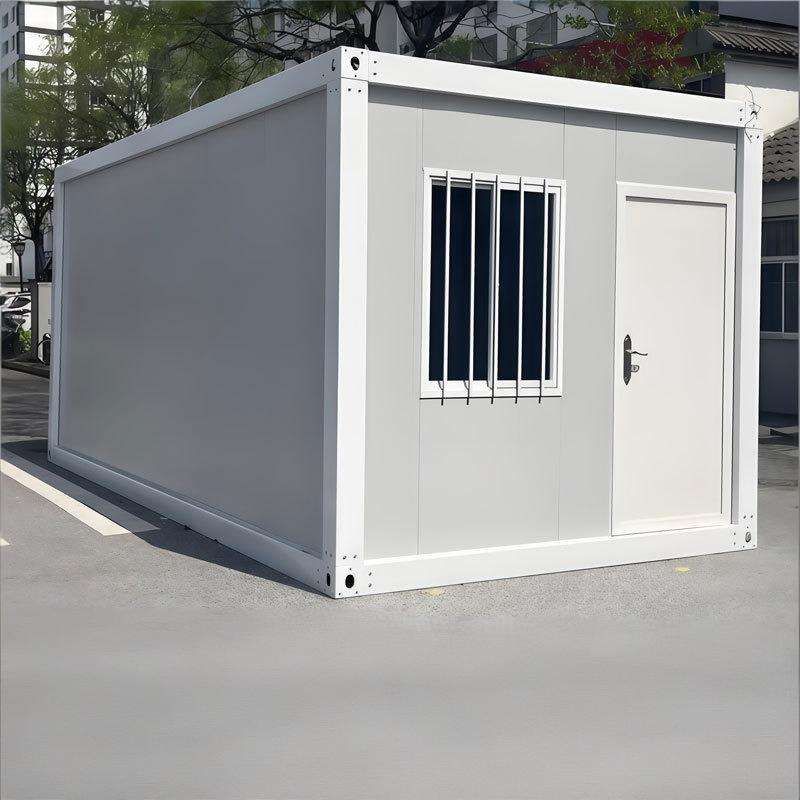
Design Conception
- Determine Requirements: Clearly define the purpose of the container house, such as residential, office, or commercial use. Different purposes have different requirements for spatial layout and functional zoning. For example, for residential use, spaces like bedrooms, living rooms, kitchens, and bathrooms need to be considered; for office use, office areas, meeting rooms, and rest areas should be planned.
- Select Container Types and Quantities: Common containers come in two specifications: 20 feet and 40 feet. Choose the appropriate type and quantity based on requirements and site conditions. For instance, a small residential house may only need one 20-foot container; a large commercial building may require a combination of multiple 40-foot containers.
- Plan Layout: Consider the combination methods of containers, such as side-by-side, stacked, or offset arrangements, as well as the division of internal space. For example, using a stacked method can increase the number of floors in the house, and an offset combination can create a unique appearance and spatial effect.
Sketch Drawing
- Hand-drawn Sketch: Use a pencil and paper to roughly outline the contour of the container house, the combination form of containers, and the main functional zones according to the design conception. It doesn't need to be overly detailed; the focus is on expressing design ideas and spatial relationships.
- Simple Annotation: Mark the names of each functional area on the sketch, such as bedrooms and kitchens, as well as the approximate dimensions and connection methods of containers, facilitating subsequent modifications and improvements.
Detailed Drawing
- Use Drawing Software: Such as AutoCAD and SketchUp, draw precisely according to the sketch. Create a three-dimensional model of the container in the software, combine and place it according to the planned layout, and adjust details such as the positions of doors and windows and the styles of stairs.
- Add Materials and Colors: Add appropriate materials and colors to each part of the container house to make it more realistic and intuitive. For example, the container shell can use metal materials, and indoor walls can choose paint or wallpaper.
Annotation Explanation
- Dimension Annotation: Accurately mark the length, width, and height dimensions of the container house on the drawing, as well as the specific dimensions of each functional area, providing precise references for construction.
- Text Explanation: Provide text explanations for special points in the design, material selection, and construction techniques to ensure that construction personnel can correctly understand the design intent.
Relacionados



