AI Container House Camera Movement Show
The 'AI Container House Camera Movement Show' can be created by combining AI camera movement technology with the characteristics of container houses. Although there are no direct examples, one can refer to AI camera movement methods for ideas.

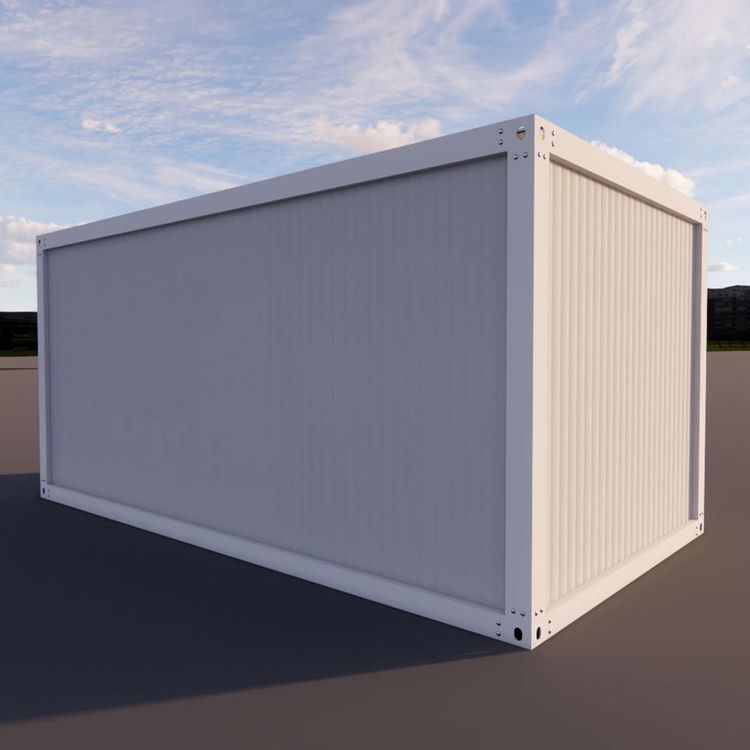
Firstly, use structured prompts to clarify requirements. When creating a camera movement show using AI, structured prompts are crucial. For a container house camera movement show, the prompts should cover the exterior features of the container house, such as its cuboid shape, metal exterior appearance, and color combinations; its interior structure, including spatial layout, door and window positions, and interior decoration style; as well as the desired camera movement effects, such as whether to showcase the grandeur of the panoramic view, focus on the delicate details of local areas, use smooth and slow moving shots, or dynamic and fast-switching shots. Clear and specific prompts enable AI to better understand requirements and generate camera movement scripts or video clips that meet expectations.
Secondly, adopt a segmented generation and then stitching approach. Since container houses may have multiple different areas and angles to showcase, the entire camera movement show can be divided into multiple segments. For example, first generate a segment showcasing the overall exterior image of the container house, including shots from different directions; then generate segments entering the house to showcase various functional areas, such as the living room, bedroom, and kitchen; and there can also be segments showcasing the surrounding environment of the house. Each segment is designed and generated using AI for camera movements separately, and finally, these segments are stitched together in a reasonable order to form a complete container house camera movement show.
Finally, combine keyframes to guide and optimize effects. Keyframes are representative frames in a video. When creating a container house camera movement show, one can preset some keyframes in advance. For example, choose the most characteristic exterior angle of the container house as the starting keyframe, showcase the unique interior decoration style as the middle keyframe, and the picture of the house perfectly blending with the surrounding environment as the ending keyframe. Guided by these keyframes, let AI optimize the camera movement effects around the keyframes during generation, making the entire camera movement show smoother and more focused, and better highlighting the characteristics and charm of the container house.