How to Activate Mobile Air Conditioner in Toilet
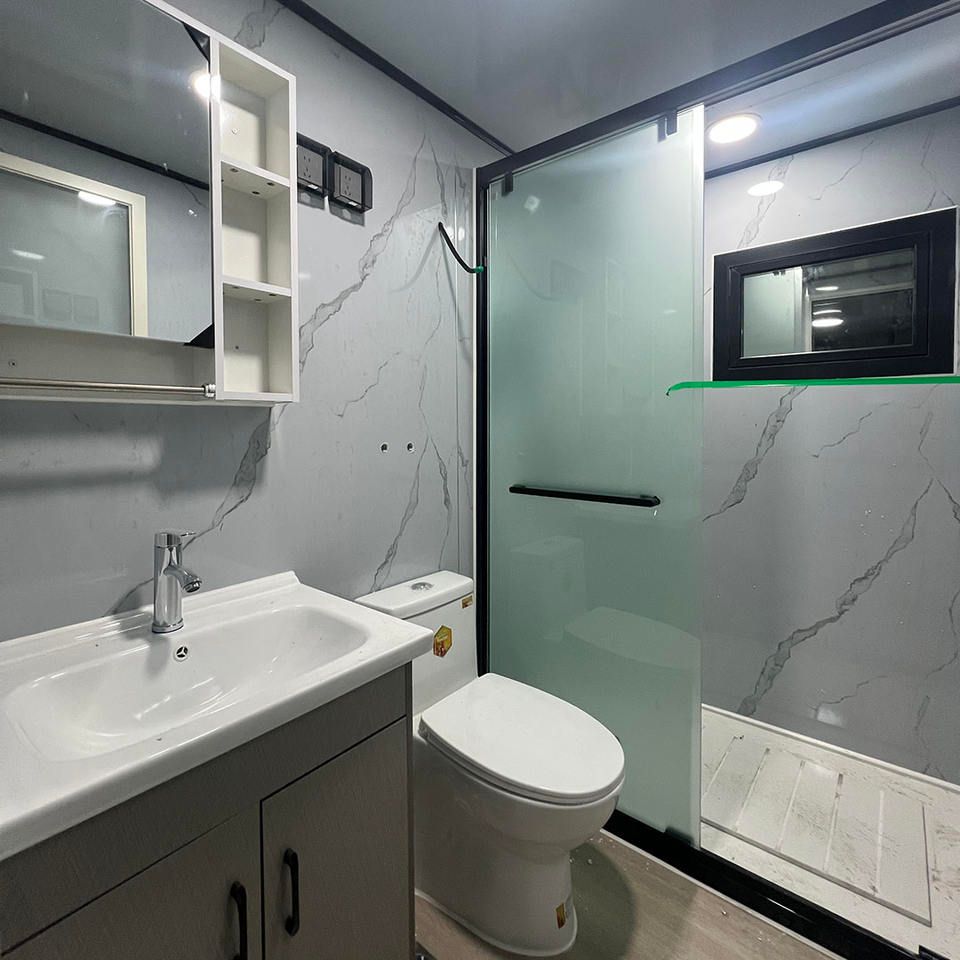
The activation method for mobile air conditioners in toilets depends on the specific type. For ordinary mobile air conditioners, drainage, ventilation, power connection, and basic operations are required. For central air conditioning ventilation systems in building restrooms, they can be activated through manual, automatic sensing, or smart linkage modes.
Activation Steps for Ordinary Mobile Air Conditioners
Drain Pipe Installation and Drainage Operation
Insert the drain pipe with a small plug tightly into the air conditioner's drain outlet to ensure a leak-free connection. After turning on the air conditioner, press the 'Auto Drain' button (the icon lights up when activated), and the device will automatically discharge condensed water. After use, press and hold the button for forced drainage (the icon flashes during drainage) to prevent bacterial growth from residual water.Installation and Ventilation Setup
If the air conditioner is placed outside the restroom, both the air inlet and ventilation outlet should be extended into the restroom to create air circulation. If placed inside the restroom, the ventilation outlet and exhaust outlet should be extended to the outside to prevent exhaust gas from flowing back. Use the air conditioner's built-in cardboard model or a custom acrylic plate to secure the exhaust duct, ensuring stable exhaust. You can also upgrade to purchase magnetic window curtains to assist with installation, reducing air leakage and improving sealing.Power Supply and Charging Methods
After connecting the main unit to the battery base, supply power directly through a household electrical outlet, suitable for fixed scenarios. Alternatively, use an 800-watt vehicle fast charger inserted into the battery base to charge the device in mobile scenarios.Basic Operations
After receiving the air conditioner, open the carton, take out the device, and lay it flat to avoid tilting, which could displace internal components. If the device is equipped with a water tank, add water to enhance cooling effects. When adding water, ensure the water level does not exceed the maximum mark to prevent overflow.
Activation Methods for Central Air Conditioning Ventilation Systems in Building Restrooms
Manual Control Mode
Locate the air conditioning control panel in the restroom and press the 'Ventilation' or 'Fresh Air' button (some models require a 3-second press to activate). Adjust the air speed using the '+' and '-' buttons. It is recommended to set the ventilation air speed in the restroom to 2-3m/s. Some systems support a timer function, allowing you to set automatic shutdown after 1-2 hours to avoid energy waste.Automatic Sensing Mode (System Support Required)
Triggered by infrared or humidity sensors, the system automatically activates ventilation when it detects someone entering or when the humidity exceeds 60%. In unoccupied states, the system runs for 5 minutes every 30 minutes (default setting) to maintain air circulation.Smart Linkage Mode
When connected to the building's BA system, it can be activated remotely through the central control panel or set to operate during peak hours (e.g., 7:00-9:00, 17:00-19:00).