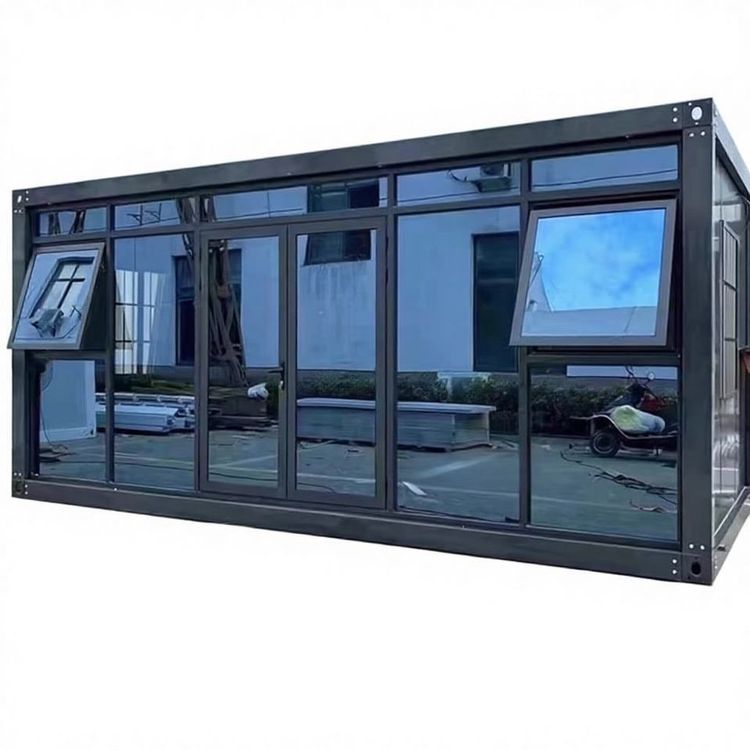
How to Enter a Mobile Toilet
The procedure for entering a mobile toilet is as follows:
1. Check the toilet status
Mobile toilets are usually equipped with door lock status indicator lights or electronic lock systems. Before entering, observe the door lock display:
- Green indicator light: Indicates that the toilet is “available” and can be used directly.
- Red indicator light: Indicates that the toilet is “occupied” and you need to wait or choose another toilet.
- Scan to unlock: Some smart mobile toilets require you to scan the QR code on the door with your mobile phone. After completing the unlocking operation, the door lock will turn green, and you can then enter.
2. Push the door open
After confirming that the door lock status is “available”, gently push the door to enter the toilet interior. Be careful to push gently to avoid damaging the door lock or bumping yourself due to excessive force. If the door lock is an electronic one, the door will usually automatically open to a certain angle after unlocking, and you need to manually push it open completely at this time.
3. Lock the door from the inside
After entering the toilet, you need to immediately lock the door from the inside to ensure privacy and safety:
- Mechanical lock: Push the latch or bolt on the inside of the door to the locked position to ensure that the door cannot be opened from the outside.
- Electronic lock: Some toilet door locks will automatically lock from the inside after you enter, or you may need to manually press the “lock” button (usually marked with “LOCK” or the Chinese characters for “lock”).
- Special reminder: If there is no locking device inside the toilet, check whether the door gap is tight and pay attention to whether there are any abnormal sounds outside. If necessary, you can call the management staff for assistance.
4. Usage precautions
- Maintain hygiene: Before entering, you can observe whether the interior of the toilet is clean. If there are obvious stains or odors, it is recommended to choose another toilet.
- Conserve resources: Some mobile toilets are equipped with water-saving flushing devices or sensor-activated faucets. Use them as needed to avoid waste.
- Emergency situations: If a door lock malfunction or physical discomfort occurs during use, look for the “emergency call” button inside the toilet (usually marked in red) to contact the management staff.
5. Check before leaving
After use, make sure to:
- Flush: Press the flush button or sensor area to ensure that the waste is flushed away.
- Unlock: If it is an electronic lock, follow the prompts (such as pressing and holding the “unlock” button) to restore the door lock to the “available” state; for a mechanical lock, simply open the door.
- Take away trash: Put used tissues and other waste into the trash can to keep the interior of the toilet clean.
You may also like
Portable Toilet Eco-Friendly: MOQ, Samples & Quotation Guide
Read More
Top Portable Toilet Color Steel Manufacturers: How to Choose a Factory Partner
Read MorePortable Toilet Picture: Types, Features & Buying Tips
Read More