How to Draw a Mobile Toilet
Drawing a mobile toilet can be accomplished by combining the drawing method of an ordinary toilet with bathroom design specifications, simplifying the structure, adjusting the proportions, and adding details. The specific steps are as follows:

1. Drawing the Basic Structure
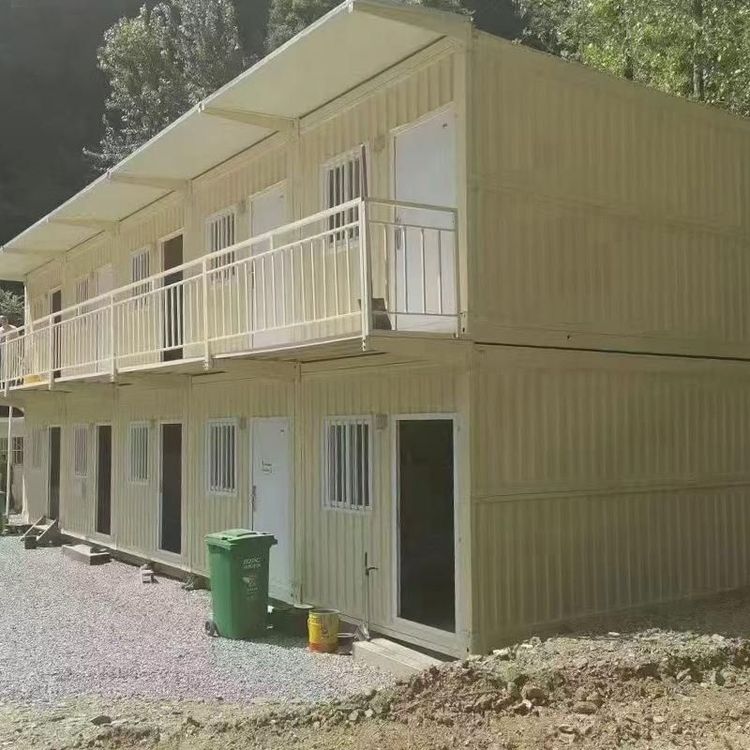
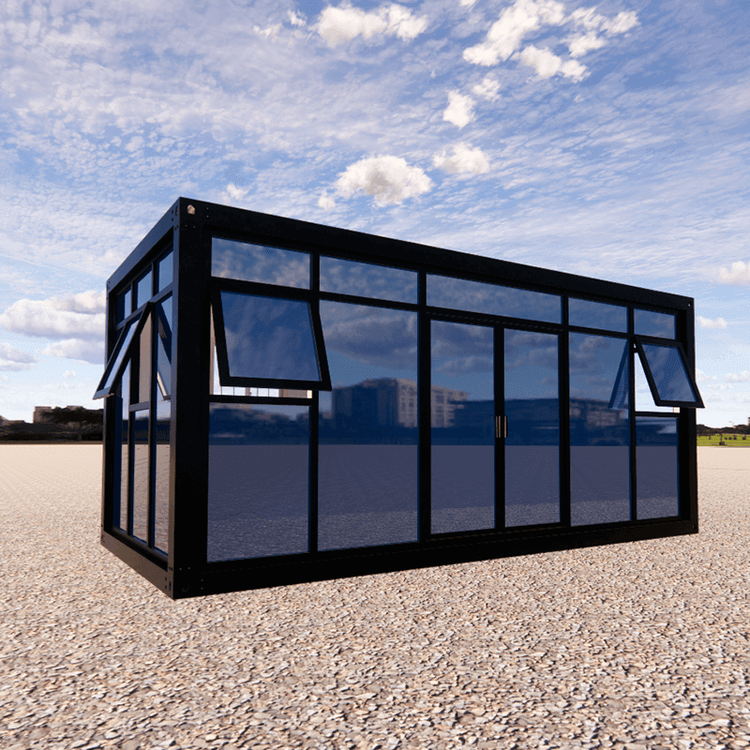
The core of a mobile toilet is a movable independent space. First, determine the overall outline. You can start by drawing a rectangle or square as the main frame of the toilet. It is recommended to control the proportions to a length of 2-3 meters and a width of 1.5-2 meters (referencing the common dimensions of small mobile toilets). Divide the frame into two areas: the left area, which accounts for about two-thirds of the space, is the toilet area, and the right area, which accounts for one-third, is for the door or storage (adjust according to actual needs).
2. Drawing the Toilet Body
Refer to the steps for drawing a simple sketch of an ordinary toilet and draw the toilet in the center of the toilet area:
- First, draw a horizontal rectangle as the bottom of the toilet seat.
- Draw an arc-shaped curve above the rectangle to represent the edge of the seat.
- Add a small rectangle behind the rectangle as the water tank. You can draw a short line on the top of the water tank to represent the flush button.
- If simplification is needed, you can directly use an ellipse to replace the seat and omit the details of the water tank.
3. Adding Unique Elements of a Mobile Toilet
A mobile toilet needs to reflect its "movable" characteristic. You can add the following details:
- Bottom Structure: Draw two parallel horizontal lines below the main frame to represent support feet, or add wheels (circles) to indicate mobility.
- Door and Ventilation: Draw a rectangular door in the right area. You can add a small semicircle on the door to represent the handle. Draw several small rectangles on the top or side as ventilation openings.
- External Signage: Draw a triangular or circular sign on the outside of the main body and label it with "Toilet" or "WC".
4. Improving Details with Reference to Design Specifications
According to the accessible bathroom design specifications, you can add humanized details (even if it is not an accessible toilet, these can be simplified and included):
- Safety Grab Bars: Draw a short horizontal line on the side of the toilet to represent a handrail.
- Call Device: Draw a small square on the wall to represent an emergency call button.
- Non-slip Floor: Draw several wavy lines on the floor of the toilet area to represent non-slip textures.
5. Line Optimization and Coloring (Optional)
Outline the shape with black lines and erase any unnecessary auxiliary lines. If coloring is required, the main body can be gray or blue, the toilet can be white, the door can be brown or yellow, and the sign can be red or black to enhance visual distinction.
By following the above steps, you can complete a simple sketch of a mobile toilet with a clear structure and reasonable details. When drawing, you can adjust the proportions and elements according to actual needs, focusing on highlighting the "movable" and "functional" characteristics.